Villa QR Code Guest Guide: What to Put Behind the Scan
Learn how to set up a villa QR code guest guide, choose useful buttons and place your QR stands so guests can find property information easily.
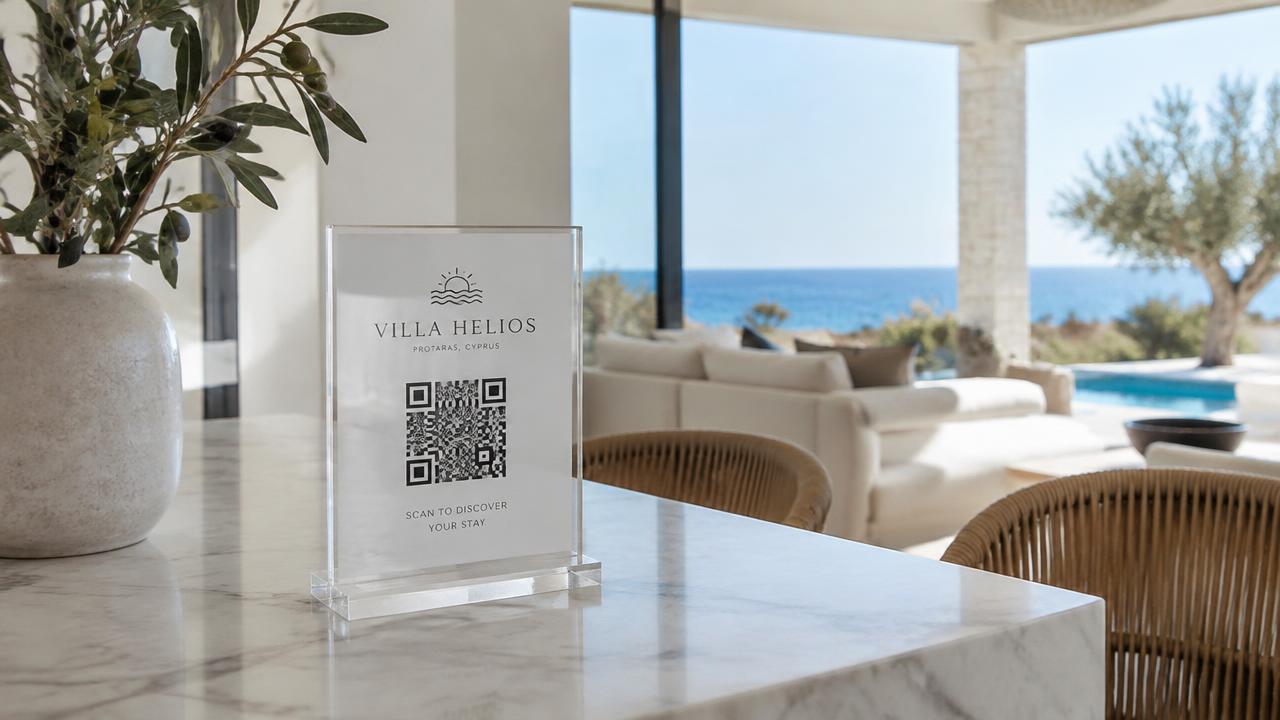
A villa QR code guest guide is a mobile page containing useful information about a holiday property. The QR code is simply the shortcut: guests scan it with their phone and open the guide in their browser.
The useful part is what happens after the scan. Guests should quickly find the Wi-Fi password, understand the property and know how to contact the host.
Choose the most useful buttons
Start with a small menu that matches your villa. A practical structure is:
- Wi-Fi: network name and password.
- Property Guide: appliance instructions and important house details.
- Check-in & Check-out: general arrival and departure information.
- Local Recommendations: selected places to eat, visit and shop.
- Contact Your Host: the correct contact and preferred channel.
- Reviews: an appropriate review link, where available. Add pool instructions, transfers or other sections when they are relevant. A villa without a pool does not need the same menu as one with extensive outdoor facilities.
Give the QR stand a clear purpose
“Scan me” does not explain what guests will receive. Try: “Your villa guide: Wi-Fi, house information and local tips.” Place the stand where guests naturally pause, such as an entrance table or kitchen counter.
For larger villas, another stand in a bedroom or living area can make the information easier to find. Avoid placing an indoor display outdoors unless its materials and finish are suitable for that environment.
Separate a guide QR from a Wi-Fi QR
A QR linking to a website opens the guest guide. A QR configured for Wi-Fi connection serves a different purpose, and device behaviour can vary. If your stand uses both, label them clearly: “Guest Guide” and “Connect to Wi-Fi.”
Provide readable Wi-Fi details or another fallback for guests who cannot use the connection QR. Do not assume a website QR automatically joins the network.
Test the printed version
Test the final printed code at its actual size, in the actual stand and under the property's lighting. Check it with more than one phone. Reflections, poor contrast, small printing and decorative clutter can make scanning difficult.
Open every menu button and confirm that map pins, contact links and instructions are correct. Use real destination URLs rather than generated demonstration QR patterns.
Plan for updates
Keep the guide's destination address stable when changing its content. This can allow the existing printed code to remain useful. Agree who handles updates and what ongoing support is included before ordering.
A QR guide still needs internet access unless a separate offline option has been provided. Keep essential arrival information available through another suitable channel, and do not place private door codes in a public guide.
QR Studio CY designs Guest Hubs and matching QR stands for villas and holiday rentals in Cyprus. The guide is organised around your property rather than a generic list of links.
Want guests to see what one scan can do? Explore a Guest Hub and ask for a visual matched to your villa.
Want this handled for your property?
We design the digital Guest Hub and the printed acrylic display that carries it, for properties across Cyprus.
Keep reading
Hotel Guest Information by QR Code: A Practical Guide for Small Hotels
Organise hotel guest information in a QR guide, from breakfast and Wi-Fi to facilities, reception contacts and local tips for your Cyprus property.
Digital Guest Book Cyprus: Choosing the Right Format for Your Rental
Understand what a digital guest book means, compare a PDF with a mobile guest guide, and plan useful property information for your Cyprus holiday rental.
Airbnb Welcome Book Cyprus: What Guests Need in Their First Hour
Create a useful Airbnb welcome book for your Cyprus rental, with Wi-Fi, appliance instructions, local tips and a mobile guide guests can open by QR code.